SDS10
Get all the support you need for your product.
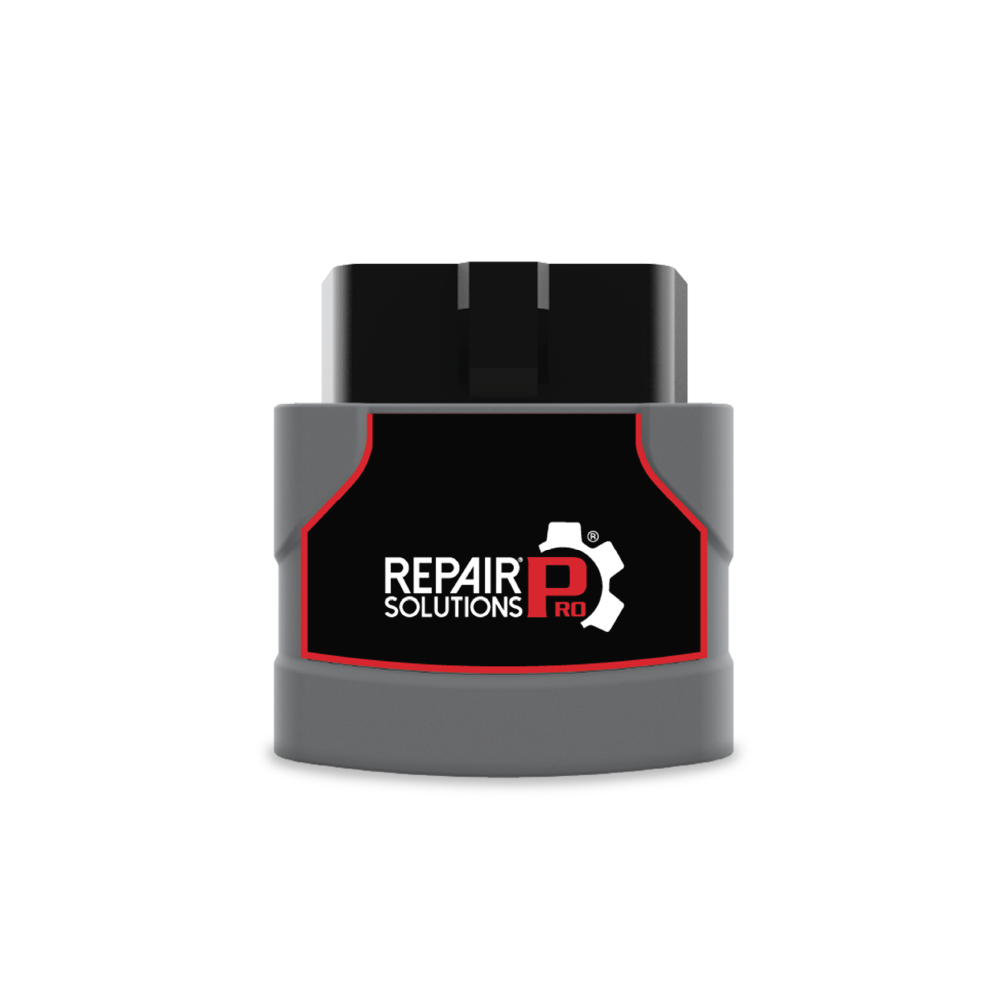
SDS10SDS10 (0x0431)
Updating the SDS Tool:
View InstructionNotify me when updates are available
Technical Support for further assistance.
SDS10 (0x0431) FAQs
Press OK to open the MODE menu, scroll to Buzzer, then press OK to switch between ON and OFF.
- When measuring: red means the test tip is touching a point close to battery voltage (positive). Green means the tip is on a good ground (less than 10Ω). If the screen reads about 0V but does not turn green, the ground connection is poor.
- When generating: red means the tool is sending positive voltage to the tip (12V output, or Power Supply). Green means the tool is sending ground to the tip.
Component activation is limited to 8A (Power Supply mode to 100mA). If the load is higher, the tool shows “overcurrent detected” and stops the output. A built-in auto-reset thermal fuse also protects the tool. Let it cool down for a few minutes before using it again.
- Component Activation sends full battery voltage or ground to the test tip, at up to 8A. Use it to run loads such as lamps, fans, motors and relays.
- Power Supply outputs a low, adjustable voltage (3V, 5V, 8V or a custom 1–8V) limited to 100mA. Use it to simulate sensor signals or to power sensors and modules safely. Both modes can output a constant signal or a pulse.
Have Questions?
Please do not hesitate to contact us for assistance.
Our U.S.-based customer service team is ready to assist you.
-
 Phone: +1 800 - 544 - 4124
-
 Email: protechsupport@repairsolutions.com

