Introduction
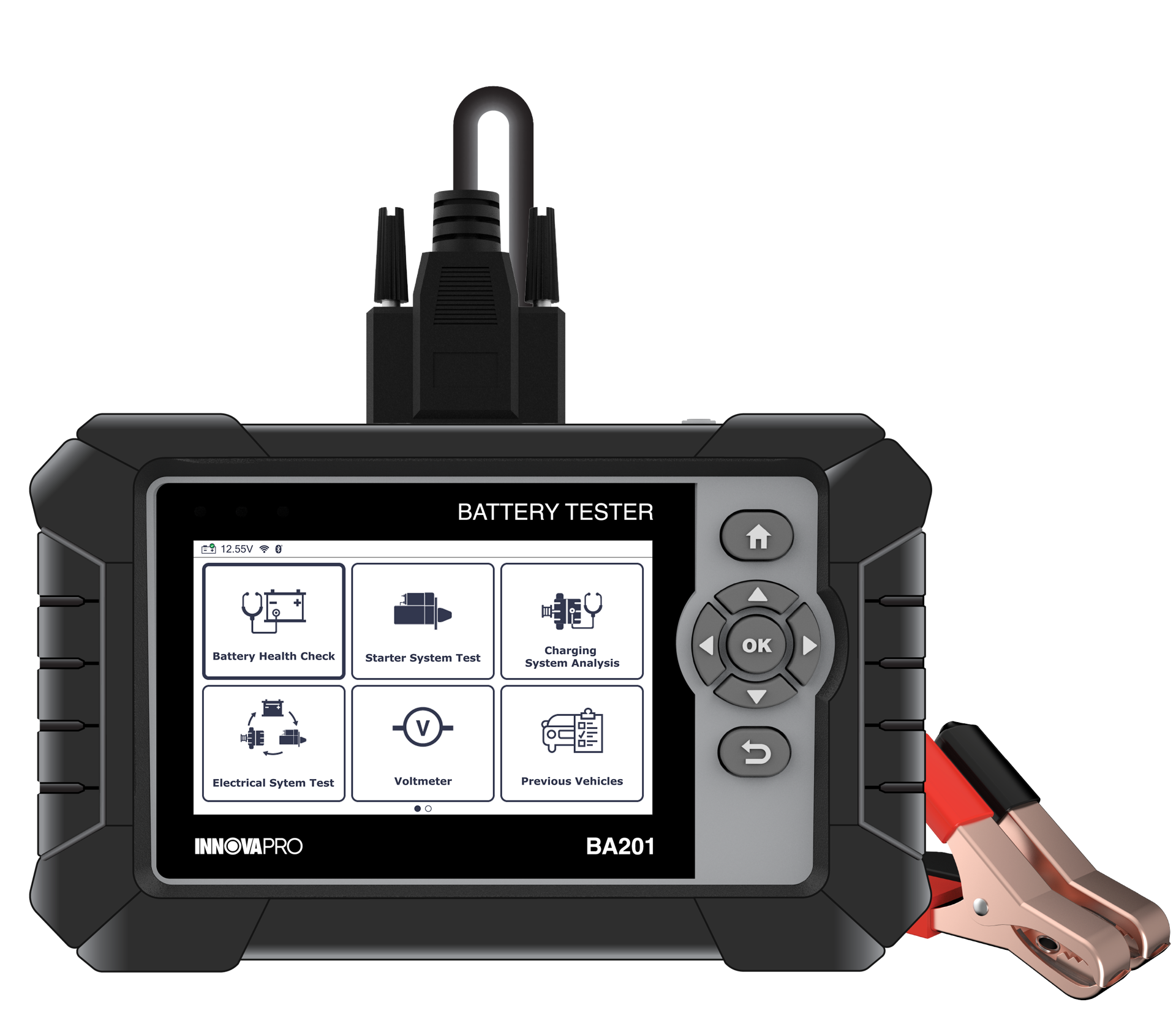
To ensure technicians can easily manage and review diagnostic data, the INNOVAPRO BA201 Battery Tester provides a seamless way to submit test reports to the RepairSolutionsPRO® (RSPRO®) application. By transferring data from the tool to a mobile device, users can maintain a digital history of vehicle health, share professional reports with customers, and access advanced repair solutions. This article guides you through the process of submitting reports using two primary methods: Wi-Fi and Bluetooth (BLE).
Procedure
NOTE: The Battery Tester must be connected to a Wi-Fi network (for first-time users) or via BLE (for registered users) and paired with the RSPRO® app while submitting reports.
Method 1: Submitting via Wi-Fi network
This method allows you to send reports directly to the RSPRO® app when the Battery Tester is connected to a stable Wi-Fi network.
Step 1: After completing a test (e.g., Battery Health Check or Electrical System Test), the report screen will display. Select the Report button and press the OK button.
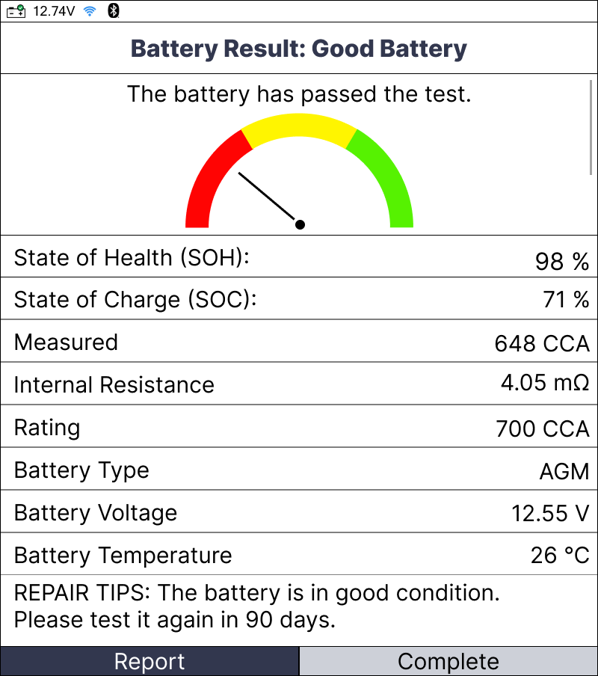
Step 2: Ensure your tool is connected to Wi-Fi. The tool will communicate with the RSPRO® app to upload the data.
Step 3: A "Submit Report" notification will appear. Select Report to confirm the data transfer.
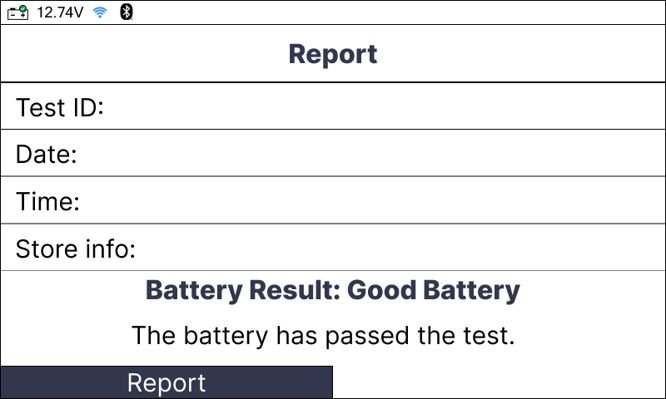
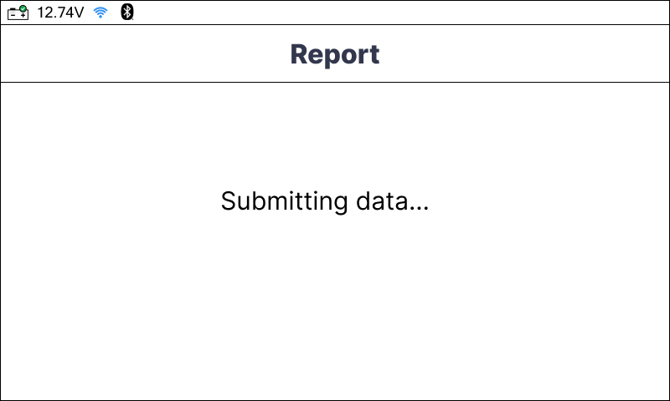
Step 4: Once the process is complete, a success message will display, and the report will be available on your paired RSPRO® account.
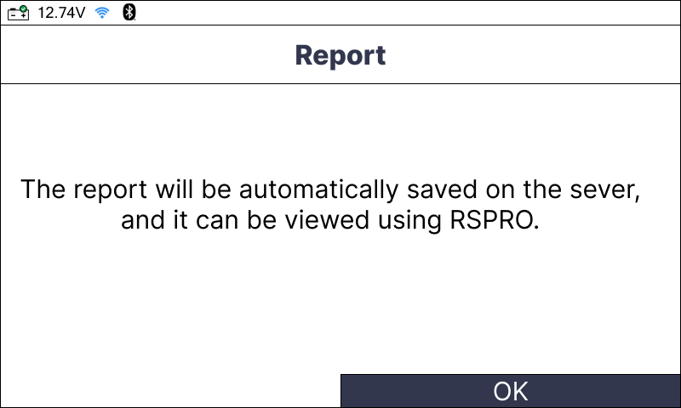
Method 2: Submitting via BLE
This method is used when the Battery Tester is paired directly with your mobile device through the RSPRO® app.
Step 1: Ensure Bluetooth is enabled on your mobile device and the RSPRO® app is open and paired with the tool.
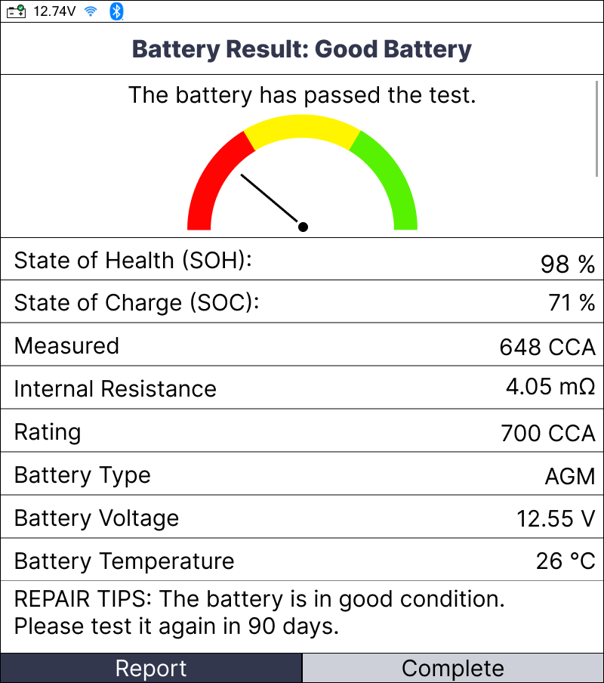
Step 2: From the report screen on the tablet, select the Report option.
Step 3: The data is transferred locally via BLE to the application.
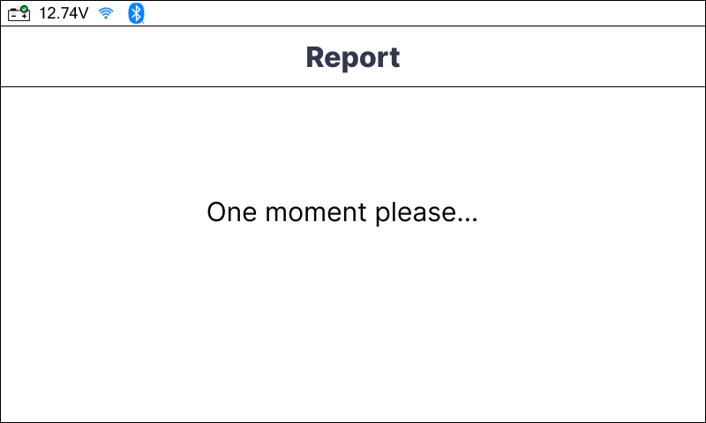
Step 4: Open the RSPRO® app on your phone to view the synchronized report.
Conclusion
In summary, submitting test reports to the RSPRO® app is a vital step in modernizing the diagnostic workflow. Whether using Wi-Fi for direct upload or BLE for local syncing, this feature eliminates manual record-keeping and provides professionals with the evidence-based data needed to communicate effectively with customers and execute reliable repairs.


